
Text to Image Studio
Turn a written visual brief into polished AI artwork with aspect ratio and resolution control.
Model
Estimated cost
0 credits remaining
3
credits
Preview
Generated images and recent results appear here.
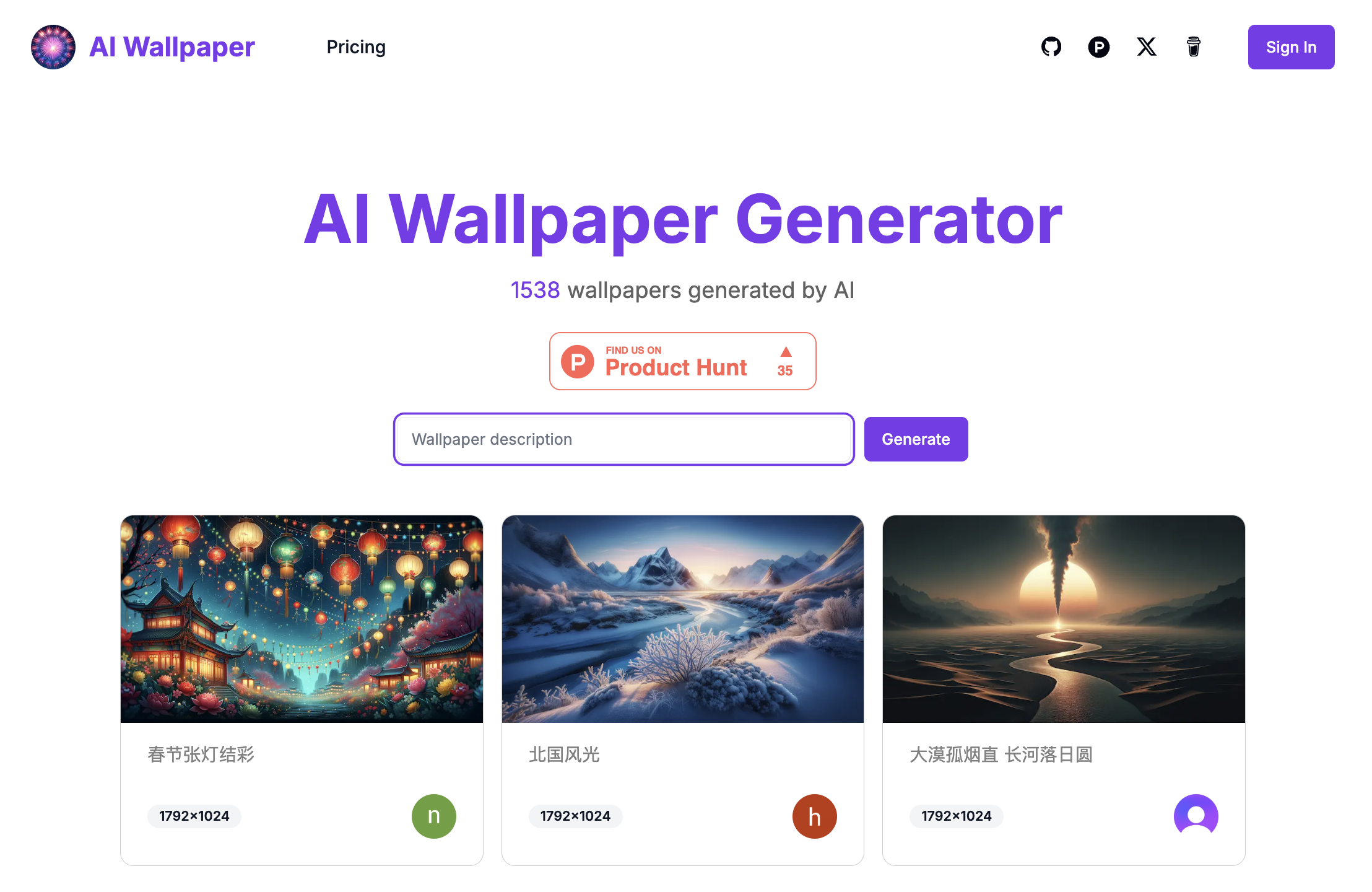
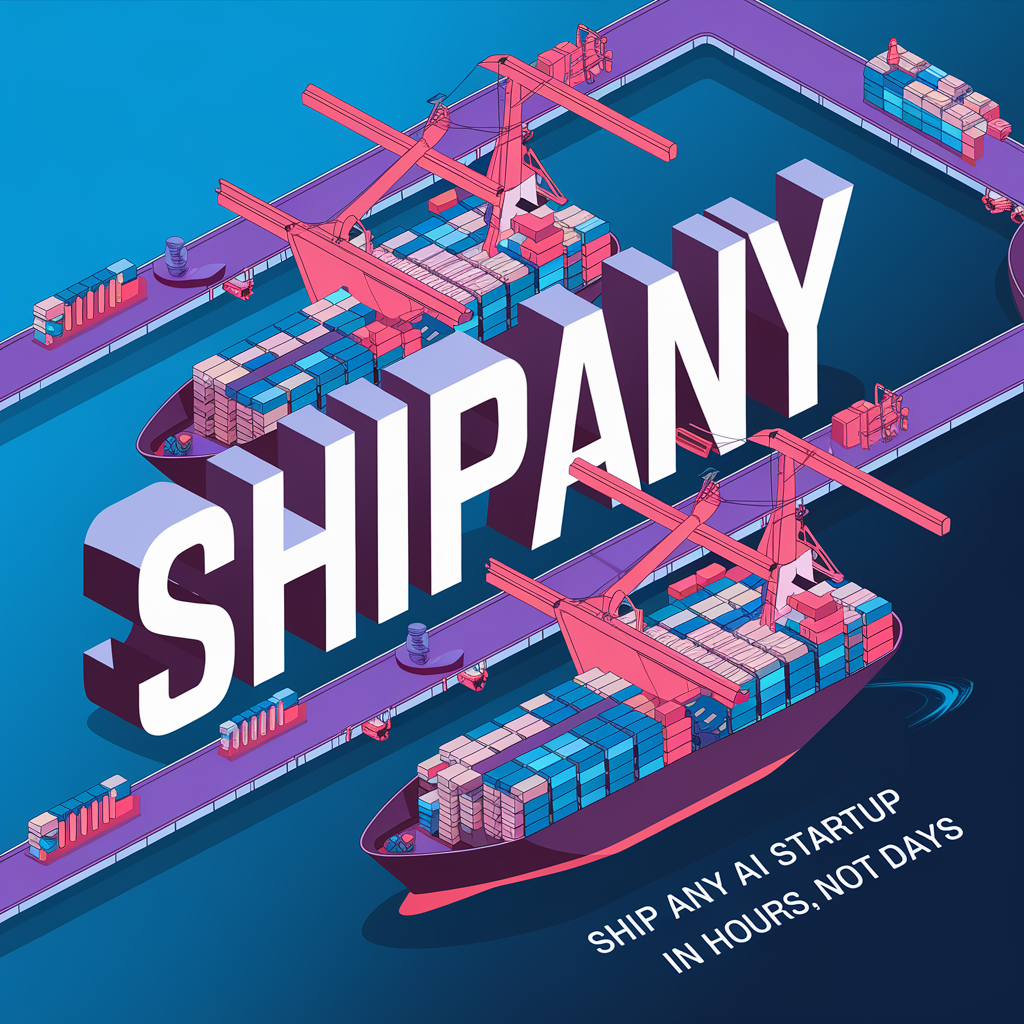
Describe the visual, then generate a usable image draft.
The Text to Image page is built for fast visual exploration: campaign concepts, social graphics, product scenes, editorial covers, and mood images. Write the image brief, choose the output shape, and keep the result in the same creation history as your other HappyHorse AI work.
Clear Prompt Control
Use natural language to define subject, style, lighting, composition, color mood, and details without jumping between tools.
Format-Aware Output
Choose common aspect ratios such as square, portrait, landscape, 4:3, or 3:4 so the image matches its final placement.
Resolution Choice
Generate 1K, 2K, or supported 4K outputs from the same tool surface, including Auto framing when you want the model to choose the composition.
Recent Results
Completed image tasks appear in the side panel so you can revisit recent outputs without breaking your working flow.
A practical flow for prompt-led image creation
Text to Image works best when the prompt reads like a visual brief. Start broad enough for the model to compose, then refine the exact look in the next pass.
Write the scene
Name the subject, setting, mood, lighting, and camera or composition style. Specific visual nouns help more than long lists of adjectives.
Pick the frame
Select the aspect ratio and resolution that fit the target channel, from square thumbnails to vertical social graphics.
Generate and compare
Run the job, review the result, download the best image, or use the output as a clearer reference for another pass.
Where text-to-image fits best
Use it when you need a clean visual direction quickly, especially before spending time on final design or production assets.
Marketing concepts
Draft campaign visuals, poster directions, banner ideas, and landing page imagery before committing to a final art direction.
Product scenes
Create styled product contexts, lifestyle backgrounds, and presentation images from a written creative brief.
Social content
Generate vertical, square, or landscape images for posts, covers, thumbnails, and quick content tests.
Mood exploration
Test lighting, color, materials, and atmosphere when you need to align a team around a visual feeling.
Text to Image FAQ
A few useful notes before generating your first image.